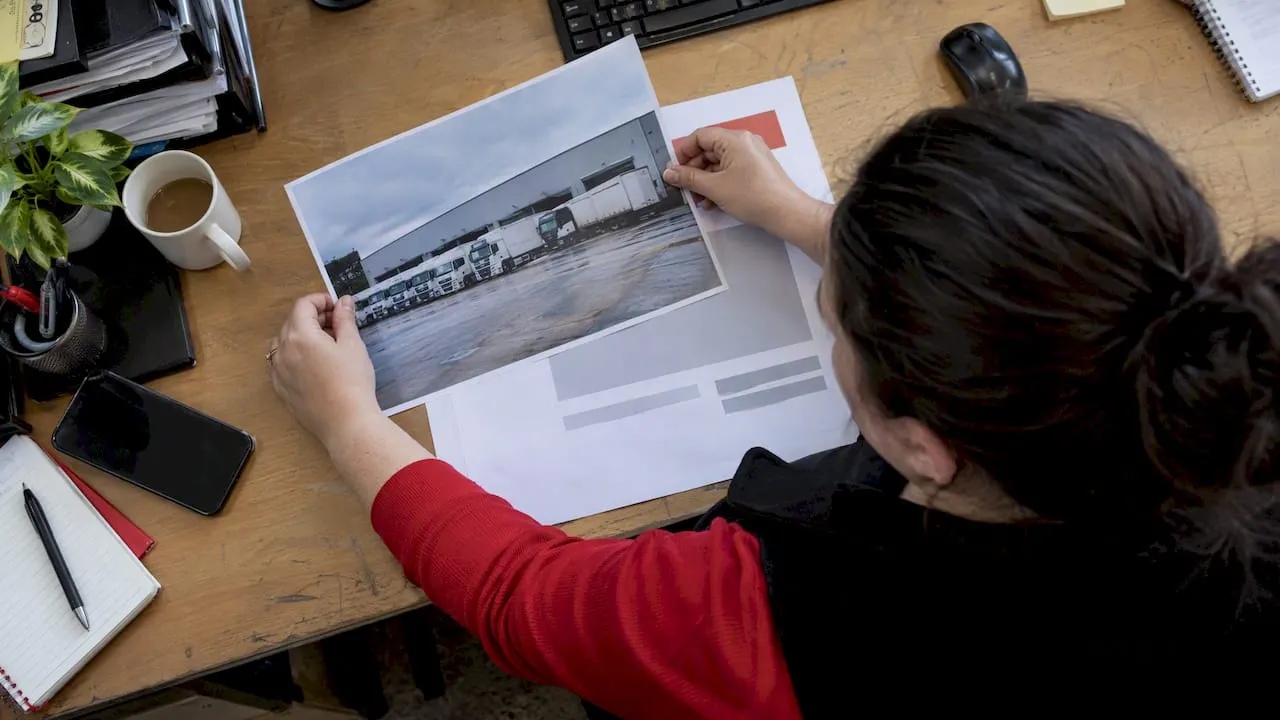
The quickest route to production-ready job ad visuals is a licensed photo paired with an editable template: browse Pinterest for layout ideas, pull a free photo from Unsplash or a paid one from iStock, then drop it into a Canva template. Each source does one job well, so combining them beats searching endlessly for a single perfect image. Before you publish anything, check the licence terms and confirm the image does not suggest a role is only for one type of candidate.
TL;DR:
- Unsplash, Pexels, and Pixabay allow commercial use without payment, but check the license attached to each image; Vecteezy’s free tier requires attribution.
- Choose varied imagery and add an equal opportunities statement; under the Equality Act 2010, adverts cannot imply a role suits only one group.
- Use 1200 by 627 pixels for LinkedIn, square images for Instagram feeds, and 1080 by 1920 for Stories; keep an editable master file.
- Compare a team photo with a branded graphic over the same posting window, tracking applications per view and applicant quality separately for each channel.
- For transport roles, use authentic settings such as a cab, control room, or depot, and show relevant equipment rather than relying on generic office photos.
Table of Contents
- Where to find free versus paid job ad images and templates
- Quick design checklist for job adverts
- Technical specs and platform-ready sizes
- Editable templates, mockups and ready-made examples to download
- Why good visuals matter
- Measuring whether your job ad images are working
- Image copyright and rights management for transport imagery
- Tailoring job ad images to the transport industry
- Employer branding elements for transport companies
- Optimising job ad images for different channels
- A practical workflow for small teams
- Getting your visuals in front of transport candidates
- FAQ
- Sources
Where to find free versus paid job ad images and templates
Paid sources earn their fee when you need a precise image rather than a close match. Worth considering:
- iStock, Adobe Stock and Shutterstock for high-resolution, exclusive-feeling photography with clearly defined commercial licences.
- Vecteezy Pro and Canva Pro for template bundles that include layered, editable files rather than flat images.
- A paid licence is worth it when the image will appear on printed posters, large banners or anywhere brand consistency matters more than speed.
When searching, use specific keywords (“warehouse worker smiling”, “lorry driver cab”) rather than generic terms like “jobs” or “hiring”, which return the same overused handshake and megaphone graphics. Most libraries also support reverse image or “similar images” search, useful when you have found one good photo and want variations with the same tone.
Quick design checklist for job adverts
A job ad image has about four seconds to do its work before a scrolling candidate moves on. Use that window well:
- Make the role and location legible without the reader needing to open the post.
- Show how to apply, whether that is a CTA button, a short link or “apply today”.
- Keep your logo and brand colours visible so the post is recognisable as yours on a second view.
- Use a real photo of people doing the job, or a clean, branded layout, rather than a generic stock cartoon.
Pro Tip: Swap the stock handshake photo for a genuine shot of your team or workplace. It reads as more trustworthy and avoids looking identical to every other job post in the feed.
Fairness matters as much as design. Under the Equality Act 2010, job adverts must not be discriminatory, and that extends to imagery, not just wording: a photo that implies only one gender or age group is suitable for a role can fall foul of the same rules as exclusionary language. Choose neutral, varied imagery and include an equal opportunities statement on the advert itself.
Accessibility is the final check. Keep text contrast high against the background image, use a type size that holds up on a small phone screen, and write descriptive alt text for any image published on a website or job board.
Technical specs and platform-ready sizes
Different channels need different files, so keep one editable master and export from it rather than rebuilding each size from scratch.
- Use PNG for graphics with sharp text or logos, JPEG for photo-heavy posts, PDF for anything going to print, and SVG when a vector needs to scale without quality loss.
- LinkedIn feed images work best around 1200 by 627 pixels, Instagram feed posts at a 1:1 square, Instagram and Facebook Stories at 1080 by 1920, and print posters at A4 or A3 with a 3mm bleed allowance.
- Work in sRGB colour for anything digital and switch to CMYK only when preparing a print-ready PDF, since colours shift between the two profiles.
Keep the layered source file (PSD, AI or editable Canva file) even after exporting, so a later size or copy change does not mean starting over.
Editable templates, mockups and ready-made examples to download
Pick the template format to match where the advert will live: a poster for noticeboards and print, a square or story tile for social feeds, or a wide banner for a website header. Whichever shape you choose, the first three things to swap are the logo, the brand colour palette and the call to action text, since those are what make a generic template look like yours.
- Canva’s template library is the fastest route: search “we’re hiring” or “job vacancy” and most results are already licensed and ready to edit.
- Vecteezy bundles suit anyone who wants a vector-based poster with more layout flexibility than a drag-and-drop tool offers.
- PSD templates from stock sites such as iStock give the most design control but need Photoshop or a similar editor to open.
A short adaptation checklist keeps this quick: replace the stock photo with your own or a newly licensed one, swap in your logo and brand colours, update the role title and location, add the application method, and export in the size the destination channel needs.
Why good visuals matter
Research published in 2026 found that the aesthetic quality of recruitment materials increases both organisational attractiveness and candidates’ intention to apply. A separate 2026 study found that consistency and distinctiveness in employer branding draw more applicants than content alone, which is why a polished, recognisable image matters as much as the words in the post. For transport employers, where roles often compete for the same pool of drivers, engineers and planners, a clear and consistent visual identity helps a listing stand out on a niche platform built around that audience.
Measuring whether your job ad images are working
Treat each image as a creative to test rather than a one-off decision. Run two versions of the same advert, one with a photo of your team and one with a branded graphic, and compare click-through or application rates over the same posting window.
Track applications per view where your job board or ad platform reports it, since a high view count with few clicks usually points to the image failing the four-second scan test rather than a weak role description. Note which images correlate with higher-quality applicants too, not just higher volume: a generic stock photo can pull more clicks from the wrong audience, while an authentic workplace shot tends to attract people who already picture themselves in the role.
Keep a simple log of which image and headline combinations you have used for each role type, lorry driver, traffic planner, logistics manager, so you can reuse the best performers instead of starting from a blank page each time. Over several postings, this builds a small internal library of what actually works for your audience rather than relying on guesswork from one advert to the next.
If you advertise across multiple channels at once, check performance by channel separately. An image that performs well on LinkedIn will not necessarily work on a job board listing page, where the thumbnail is smaller and competing with plainer text-only posts.
Image copyright and rights management for transport imagery
Transport-sector photography, lorries, depots, rail platforms, airport aprons, carries the same licence obligations as any other stock image, but the subject matter makes verification worth the extra minute. Confirm whether the licence is royalty-free or rights-managed, since rights-managed images often restrict usage by region, duration or campaign size in ways a royalty-free photo does not.
Stock providers publish their own licence pages, and these are the only reliable place to check what a specific image permits: commercial use, editorial-only restrictions, and whether attribution is required. Vecteezy’s free tier requires attribution while its Pro tier does not; iStock and Canva define commercial terms at the point of download or subscription. Read the licence attached to the exact file, not just the platform’s general policy, since terms can vary between images on the same site.
Vehicle and location imagery carries an extra wrinkle: some photos of branded vehicles, liveried trains or company signage may include third-party trademarks, which stock licences do not automatically clear for every use. When in doubt, choose a generic shot of the work environment rather than one showing another operator’s branding, or commission your own photography if the role is highly specific.
Keep a simple record of where each image came from and under what licence, especially for anything used in paid advertising rather than an organic social post, so you can show compliance if a licence is ever queried.
Tailoring job ad images to the transport industry
Generic office photography rarely lands with transport candidates, because the roles themselves are rarely office-based. A driver, a traffic engineer or a rail maintenance technician responds more to an image that reflects their actual working environment: a cab, a control room, a depot yard, a roadside site.
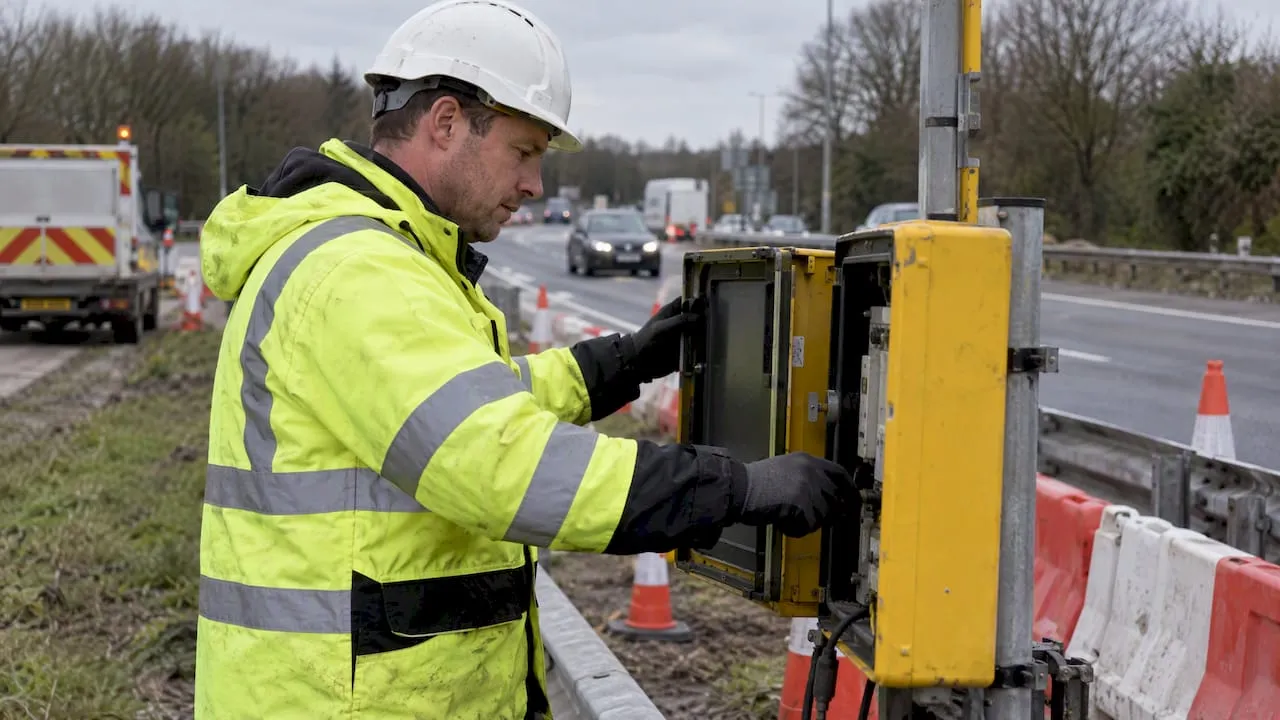
Search stock libraries with specific terms rather than broad ones: “HGV driver cab”, “traffic control room”, “rail maintenance worker” return far more relevant results than “transport jobs”. The same four-second scan rule applies, but the detail that earns attention in this sector is often equipment and setting rather than a smiling face alone: a visible high-vis uniform, a recognisable vehicle type or a realistic worksite signals that the advert understands the job.
Where budget allows, a genuine photo from your own operation beats any stock image, since candidates in highways, rail or logistics tend to know what an authentic depot or control room looks like and can spot a mismatched stock shot quickly. If you cannot commission original photography for every vacancy, build a small rotating set of licensed images across your core role types, driving, planning, engineering, project management, so each advert at least matches its subject matter.
Employer branding elements for transport companies
Your logo and brand colours matter, but transport employer branding also benefits from showing the scale and structure of the operation: fleet size, route network, depot locations or the technology behind the work, where relevant to the role being advertised.
Consistency across adverts matters more than any single clever design, since research on employer branding points to distinctiveness and consistency as key drivers of applicant attraction. A candidate who sees the same visual identity across a social post, a job board listing and an employer profile is more likely to recognise and trust the advert the second time they see it.
Safety visibility, high-vis clothing, PPE, certified equipment, also doubles as both an authenticity signal and a subtle reassurance that the employer takes operational standards seriously, which matters to candidates weighing safety-critical roles.
Optimising job ad images for different channels
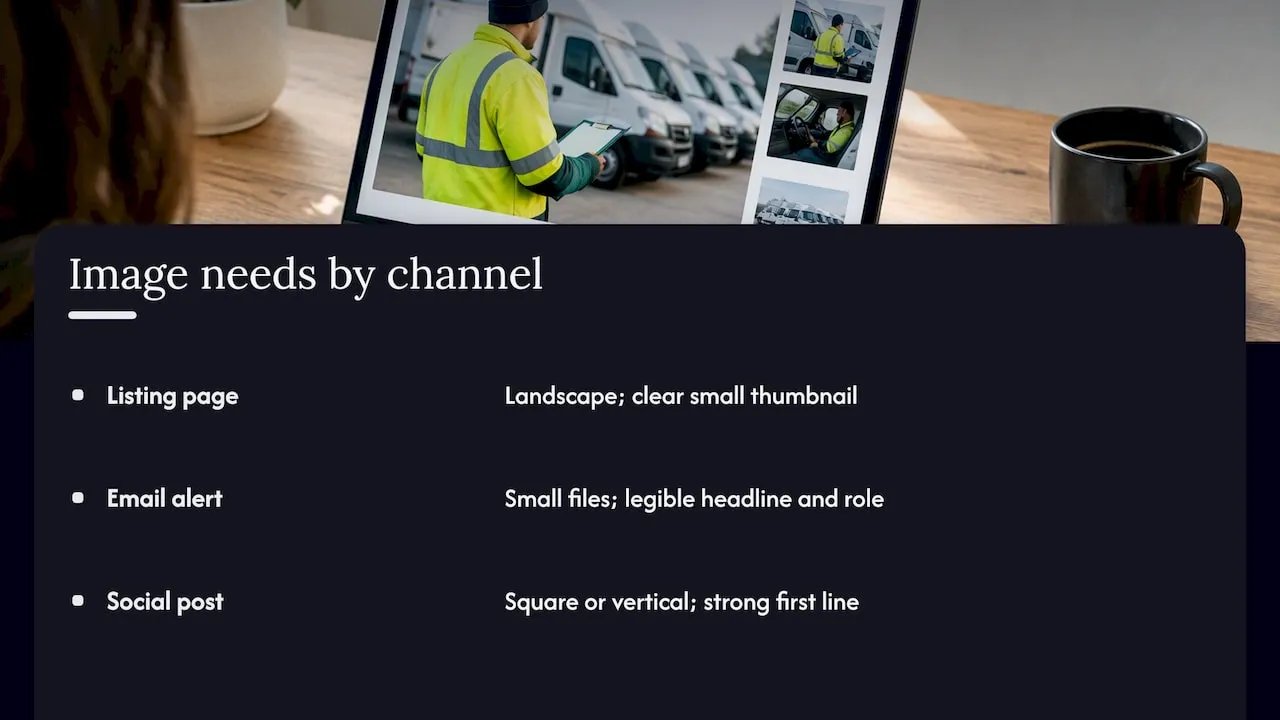
A website listing, an email alert and a social post all display an image differently, so a single export rarely serves all three well. For a listing page, a landscape image that renders cleanly as a small thumbnail works best, since most job board layouts crop aggressively.
Email alerts often strip or compress images, so keep file sizes modest and make sure the headline and role title are legible even if the image loads slowly or not at all. Social channels reward square or vertical formats depending on the platform, and a caption-led post with a strong first line often outperforms an image-only post regardless of how polished the graphic is.
Whichever channel you are preparing for, keep your logo and colour palette identical across versions so a candidate who sees the same advert twice, once in an email alert and once on social, recognises it as the same opportunity rather than two separate ones.
A practical workflow for small teams
For most small employers, the fastest reliable workflow is Pinterest for ideas, Unsplash for a free licensed photo, then a Canva template for the finished design. Save your logo and colours as a Canva brand kit once, and every future advert takes minutes, not hours. Always recheck licence terms and EHRC guidance before publishing.
— Rob
Getting your visuals in front of transport candidates
Once your image and template are ready, pairing them with a listing built for the transport sector gets them seen by the right people rather than a general audience. We offer three tiers built for exactly that.
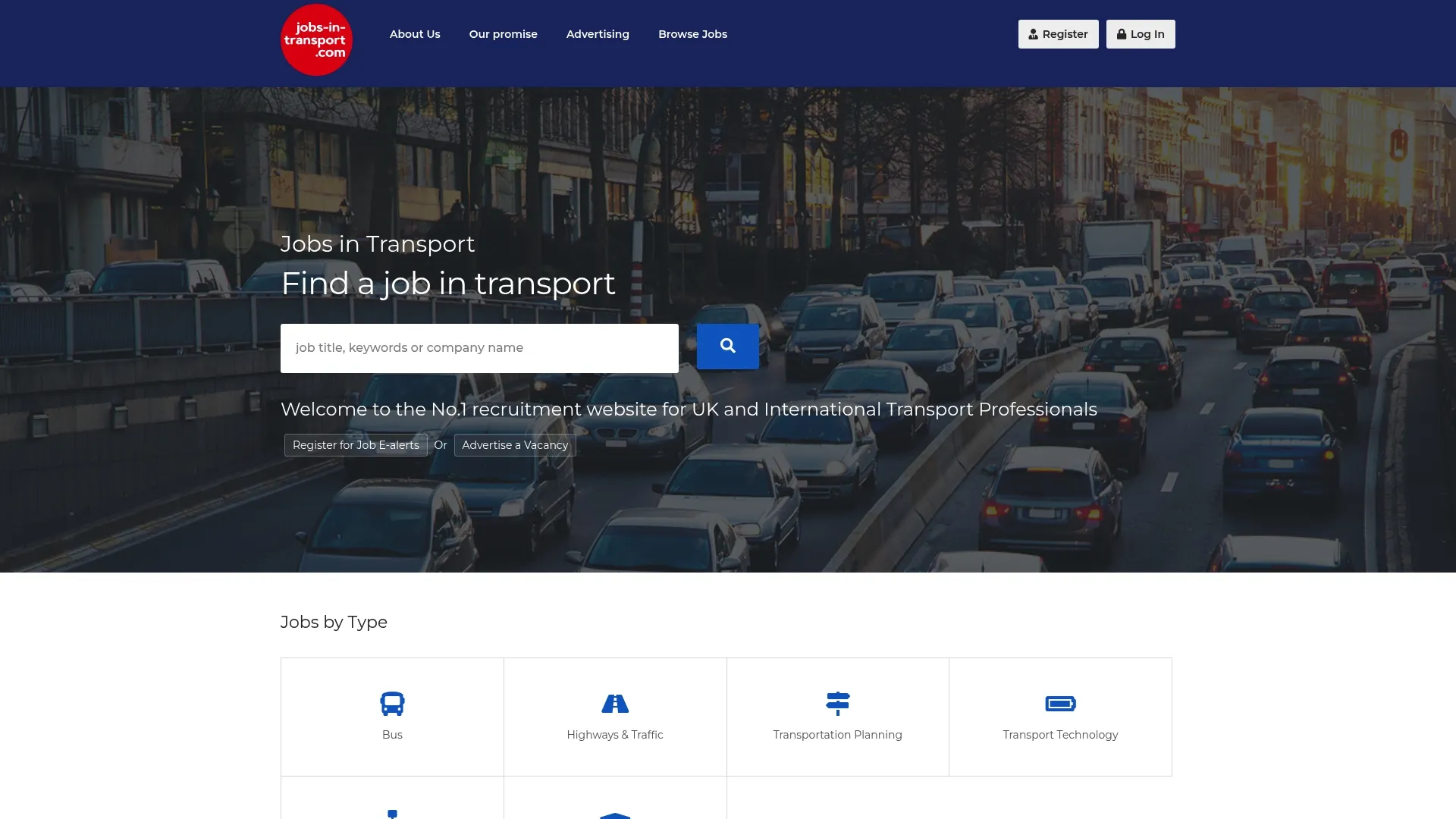
We publish listings across categories including Highways & Traffic, Rail, Bus, Logistics and Road Safety, so a well-designed advert reaches candidates already searching within your specific field rather than competing on a general board. An employer profile lets you showcase your brand alongside the listing, giving candidates the same consistent visual identity we covered earlier. Check advertising rates and listing options to pick the tier that fits your next vacancy, or get in touch if you would like help matching a listing to your role.
FAQ
Can you give me examples of job advert designs?
Pinterest boards labelled “job advertisement design” or “we’re hiring template” are the quickest way to see a wide range of real examples, from minimal text-led posters to photo-led social tiles. Canva’s own template library also shows dozens of ready-made examples you can preview before committing to one.
How do I get a job advertised well on Instagram?
Use a square image for the main feed or a vertical 1080 by 1920 image for Stories, keep the role title and location readable within the first two seconds of viewing, and include a clear call to action such as a link in bio or “apply today”. A consistent brand colour and logo across posts helps candidates recognise repeat adverts from the same employer.
How do I write a job advertisement that pairs well with an image?
Lead with the role title and location, state the key requirements and pay band where possible, and keep the tone consistent with whatever image you have chosen so the two do not feel mismatched. Under the Equality Act 2010, both the wording and the imagery must avoid implying the role suits only one group of candidates.
Where can I find transport-specific job adverts to post mine alongside?
A niche platform built around the transport sector, such as Jobs-in-Transport.com, places adverts directly alongside relevant roles in highways, rail, logistics and related fields rather than mixing them into a general job board. That context tends to attract candidates already searching within the sector rather than browsing broadly.
Do I need a paid licence for job ad photos?
Not always: free libraries like Unsplash, Pexels and Pixabay permit commercial use at no cost, which covers most everyday adverts. A paid licence from a provider such as iStock is worth it when you need an exact, high-resolution image for print or a large campaign, and every licence should be checked on the specific file before use.
Sources
Five platforms cover almost every job ad visual need, and each one suits a different stage of the process. Pinterest is where you figure out what you want before you commit to an image. Unsplash and iStock supply the photo itself, free or paid. Vecteezy and Canva give you the editable layer that turns a plain photo into a finished poster or social tile.
- Guidance on discriminatory adverts | EHRC
- E‑Recruitment, from website aesthetics to application intentions | Springer Nature
- What draws potential applicants towards an organisation? | Wiley Online Library
A practical sequence works better than picking one tool and hoping it does everything:
If you only have ten minutes, skip straight to Canva: its stock library and templates are already licensed together, so you avoid mismatched permissions.


